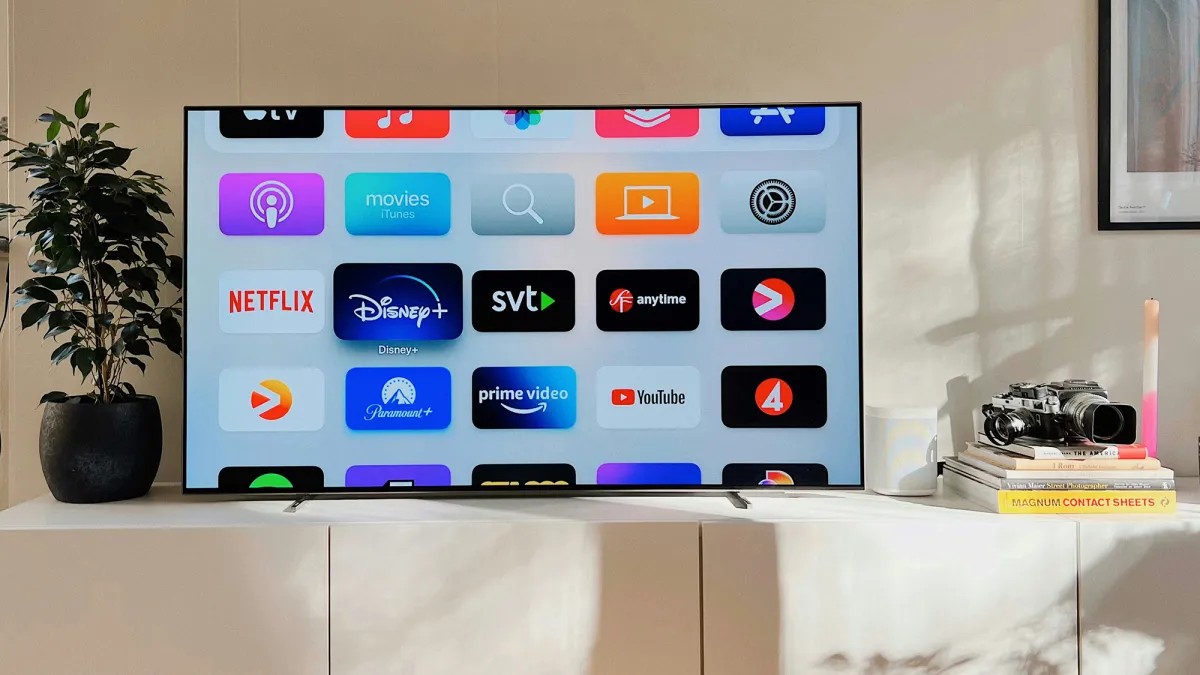
While smartphones are the most notorious trackers in our pockets, your smart TV is a silent observer in your living room. Although it doesn’t follow you from room to room, it possesses intimate knowledge of your household habits: what you watch, which apps you use, and even what devices are plugged into your HDMI ports.
To maintain your digital privacy, you need to understand how this data is collected and how to shut it down.
The Two Pillars of TV Tracking
To effectively secure your device, you must distinguish between the two primary ways manufacturers harvest your information:
- Advertising Profiling: This involves collecting data to build a consumer profile. The goal is to ensure that the ads you see on your TV—and often on other platforms like Google or Instagram—are precisely targeted to your interests.
- Automatic Content Recognition (ACR): This is a more invasive technology. ACR monitors everything displayed on your screen, attempting to identify every show, movie, or game you watch. While this can lead to “better” recommendations, it creates a detailed map of your viewing history.
Universal Defense Strategies
Regardless of which brand you own, two high-level strategies can significantly reduce your digital footprint.
1. Disconnect from Wi-Fi
The most effective way to stop data transmission is to cut the connection entirely. If you are watching physical media (DVDs/Blu-rays) or playing offline games, turn off the Wi-Fi.
2. Use a Guest Network
If you require internet access for streaming, connect your TV to a Guest Network on your router. Most modern routers offer this feature. By isolating the TV on a guest network, it can still access the internet, but it is prevented from “seeing” or communicating with other sensitive devices (like your laptop or phone) on your main home network.
Brand-Specific Privacy Settings
Because software varies even within the same brand, use these specific paths as a starting point for the most common manufacturers.
📺 LG TVs
- To disable ACR: Go to
Settings>General>System>Additional Settingsand toggle off Live Plus. - To restrict data sales: Navigate to
Support>Privacy & Termsand enable the Do Not Sell My Personal Information switch. - To limit cross-device tracking: Under
User Agreements, you can disable voice access, viewing information collection, and cross-device advertising.
📺 Samsung TVs
- To manage privacy: Go to
Settings>All Settings>General & Privacy>Terms & Privacy. - To stop targeted ads: Within the
Terms & Conditions / Privacy Policysection, disable the option to “Enable to make content and advertising on Smart TV more interactive.” - To disable ACR: Look for the checkbox labeled Viewing Information Services and turn it off.
📺 Sony TVs (Google TV)
Sony often utilizes third-party services like Samba Interactive TV to manage ACR.
* To disable ACR: Go to Settings > All Settings > Privacy > Samba Interactive TV and select About to switch the feature off.
* To clear your profile: On the same screen, look for the option to reset your advertising ID. This wipes the existing data profile built up by the manufacturer.
* Note on Google: Because Sony TVs often run Google TV, your viewing habits may influence ads on other Google services (like Maps). You should manage these settings via your Google Account privacy dashboard on the web.
📺 Roku TVs
- To disable ACR: Go to
Settings>Privacy>Smart TV Experienceand disable Use info from TV inputs. - To limit ads: Go to
Settings>Privacy>Advertisingand select the option to reset your tracking ID.
Proactive Habits for the Future
Privacy protection begins at the moment of purchase. When setting up a new device, read the initial prompts carefully. Manufacturers often use “opt-out” defaults, meaning they assume you agree to tracking unless you manually say no.
Furthermore, be wary of “nudge” notifications. Even after you have adjusted your settings, TVs will frequently display pop-ups asking you to “improve your experience” by re-enabling tracking features.
Summary: By disabling ACR, managing advertising IDs, and using guest networks, you can enjoy the convenience of a smart TV without turning your living room into a data collection hub.