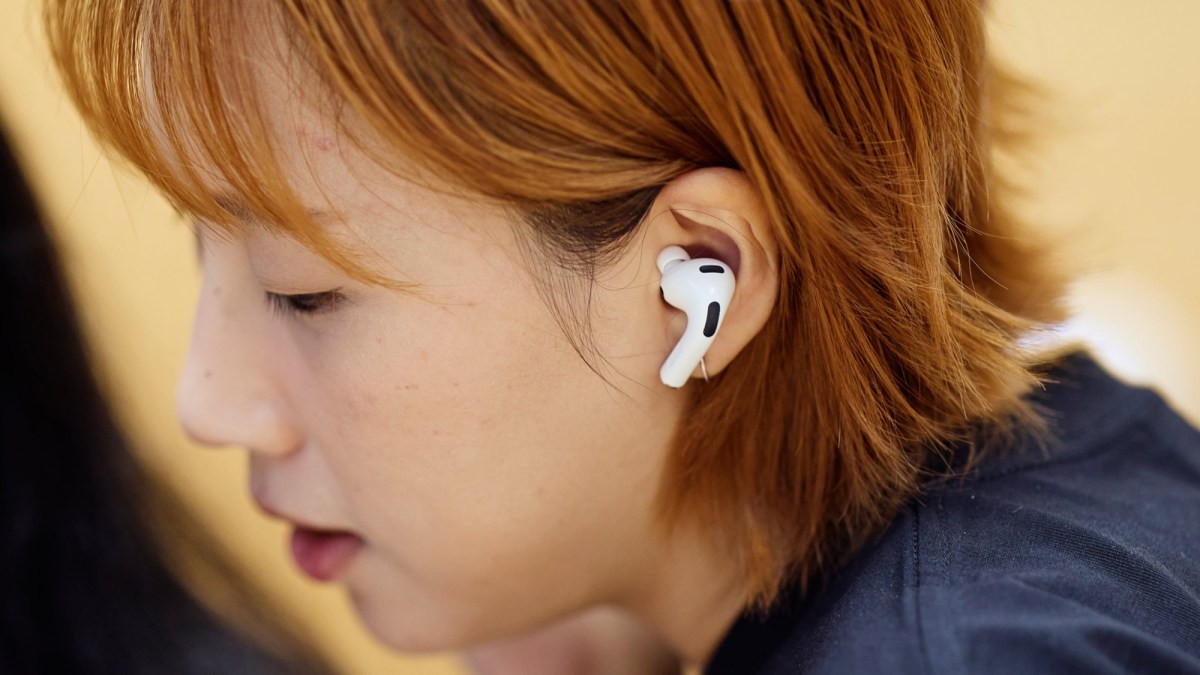
Apple’s latest iOS 26 software update introduces a significant enhancement for AirPods users: the ability to use their earbuds as remote controls for both video recording and as an external microphone. This feature streamlines mobile content creation, eliminating the need for separate accessories and improving audio quality in recordings.
How the New Feature Works
The integration allows users to start and stop video recording directly from their AirPods. Users can choose between a single tap or a press-and-hold gesture on the AirPod stems to trigger the camera. This functionality extends beyond the native Camera app, working with various third-party applications as well.
To activate the feature, ensure your iPhone is updated to iOS 26 (Settings > General > Software Update). Compatible AirPods models include the AirPods Pro 2, AirPods Pro 3, and AirPods 4. Pairing is straightforward: place the AirPods case near your iPhone until a pairing prompt appears. It’s advisable to allow a few hours for firmware updates to complete before using the feature for optimal performance.
The Camera Remote option appears in iOS Settings under your connected AirPods, where you can customize the activation gesture. For audio input, swipe down from the top right of the screen to open Control Center, select Audio Input, and choose your AirPods. The AirPods will display multiple recording modes for selection.
Why This Matters
This update simplifies mobile video production. Previously, achieving high-quality audio and remote control required purchasing additional equipment. AirPods now offer a convenient, all-in-one solution for casual users and hobbyists.
The feature is particularly useful for solo content creators, vloggers, or anyone needing hands-free recording. The improved audio quality compared to the iPhone’s built-in microphone is a significant advantage.
Important Considerations
- AirPods Must Be In-Ear: The remote control function requires the AirPods to be worn; they cannot operate as a standalone Bluetooth remote.
- Gesture Conflicts: Using the AirPods as a camera remote disables other gesture controls (e.g., skipping tracks, activating Siri) while active. These functions will restore once the Camera app is closed.
- Camera Selection: The feature doesn’t allow switching between iPhone cameras during recording; ensure the correct lens is selected beforehand.
This integration of AirPods into the iPhone camera system is a practical step forward for mobile content creation. It merges convenience, quality, and cost-effectiveness into a single, user-friendly experience.